Interactive product tour
Try the product, not the brochure.
Eight interactive demos of myChap, running on sample data in your browser.
- Rules ported from the product
- Sample chapter, sample people
- Nothing leaves this tab
Pick a demo. Every control in it works.
The eight below are interactive replicas of the real screens.
In every plan
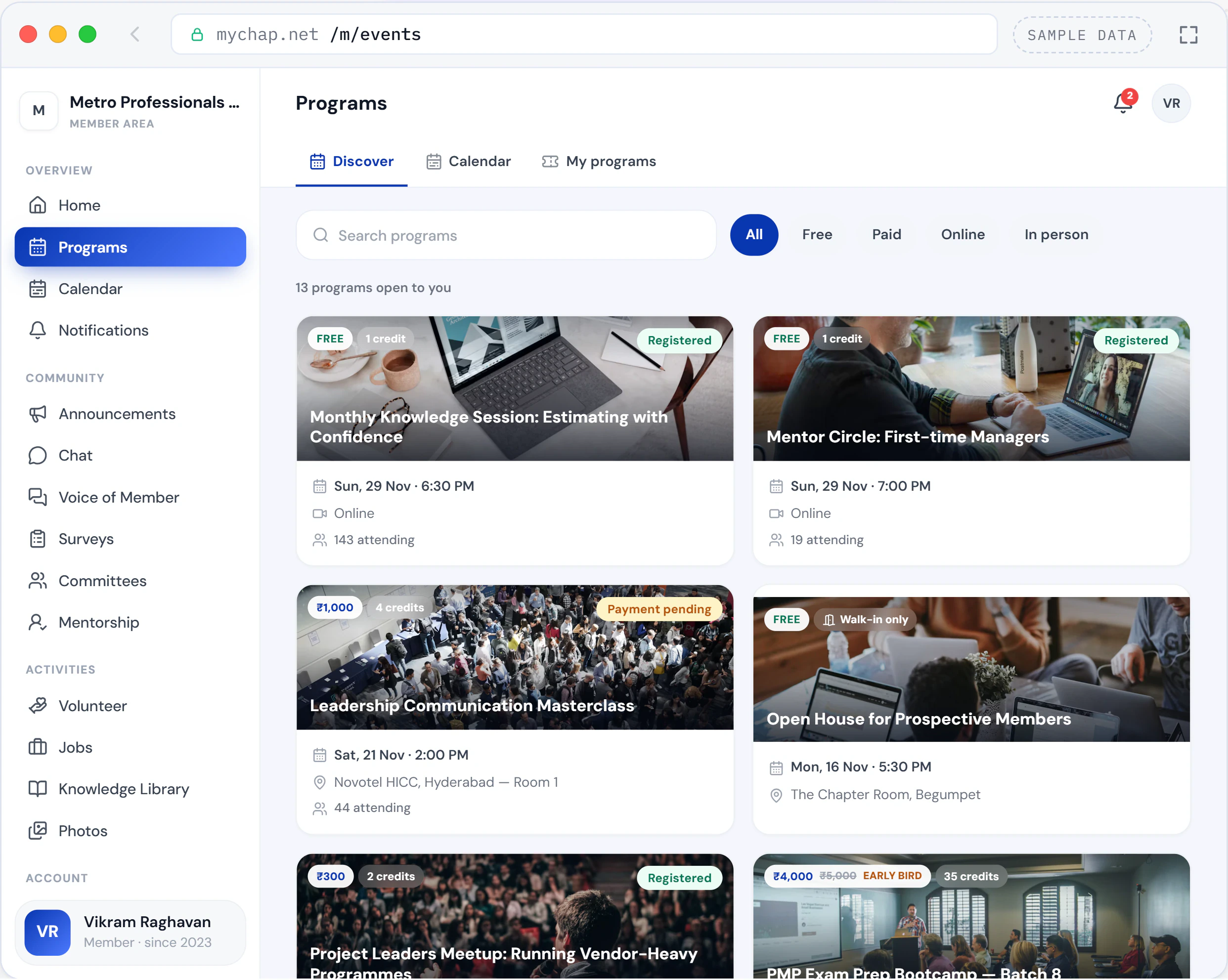
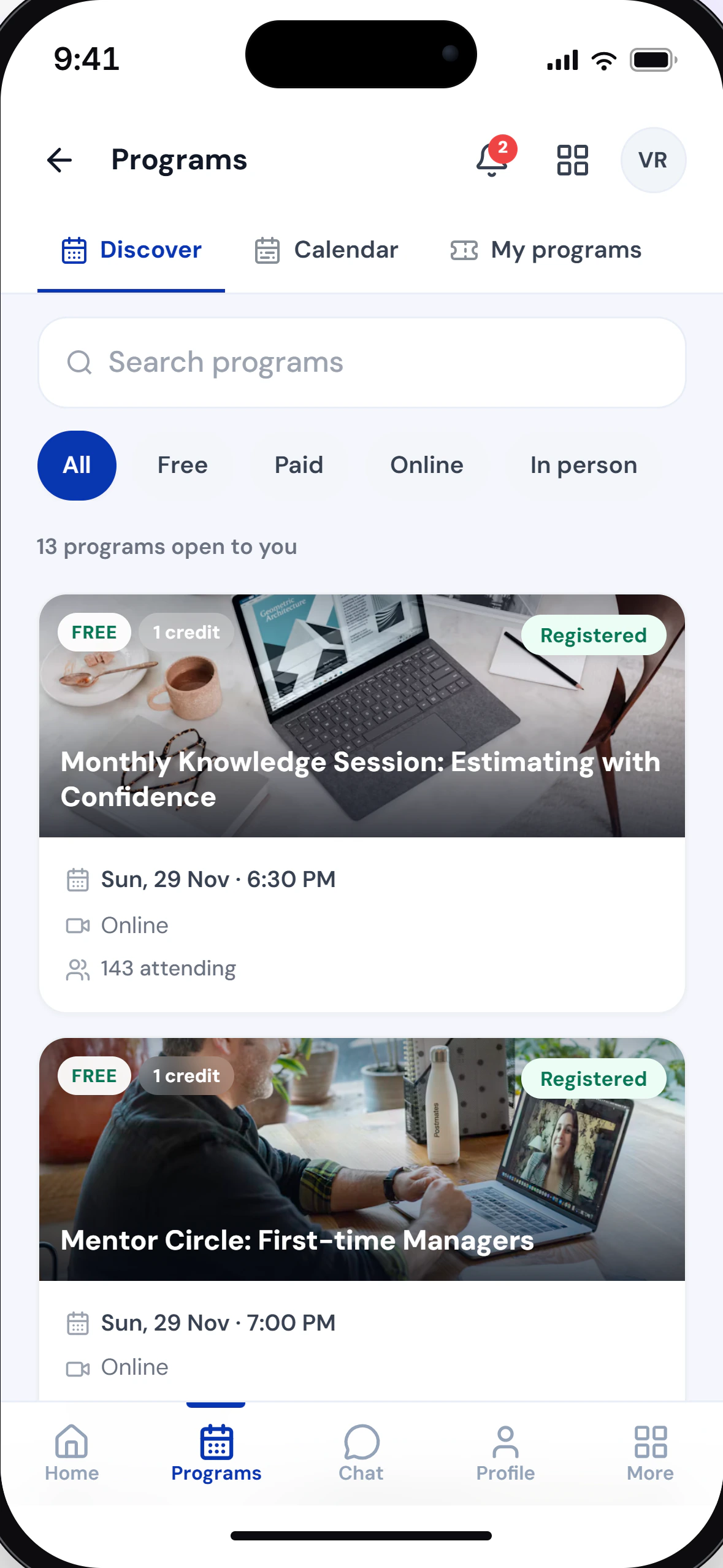
Programs & attendance
From the sign-up to the credit, on one record.
Open the demo: Programs & attendance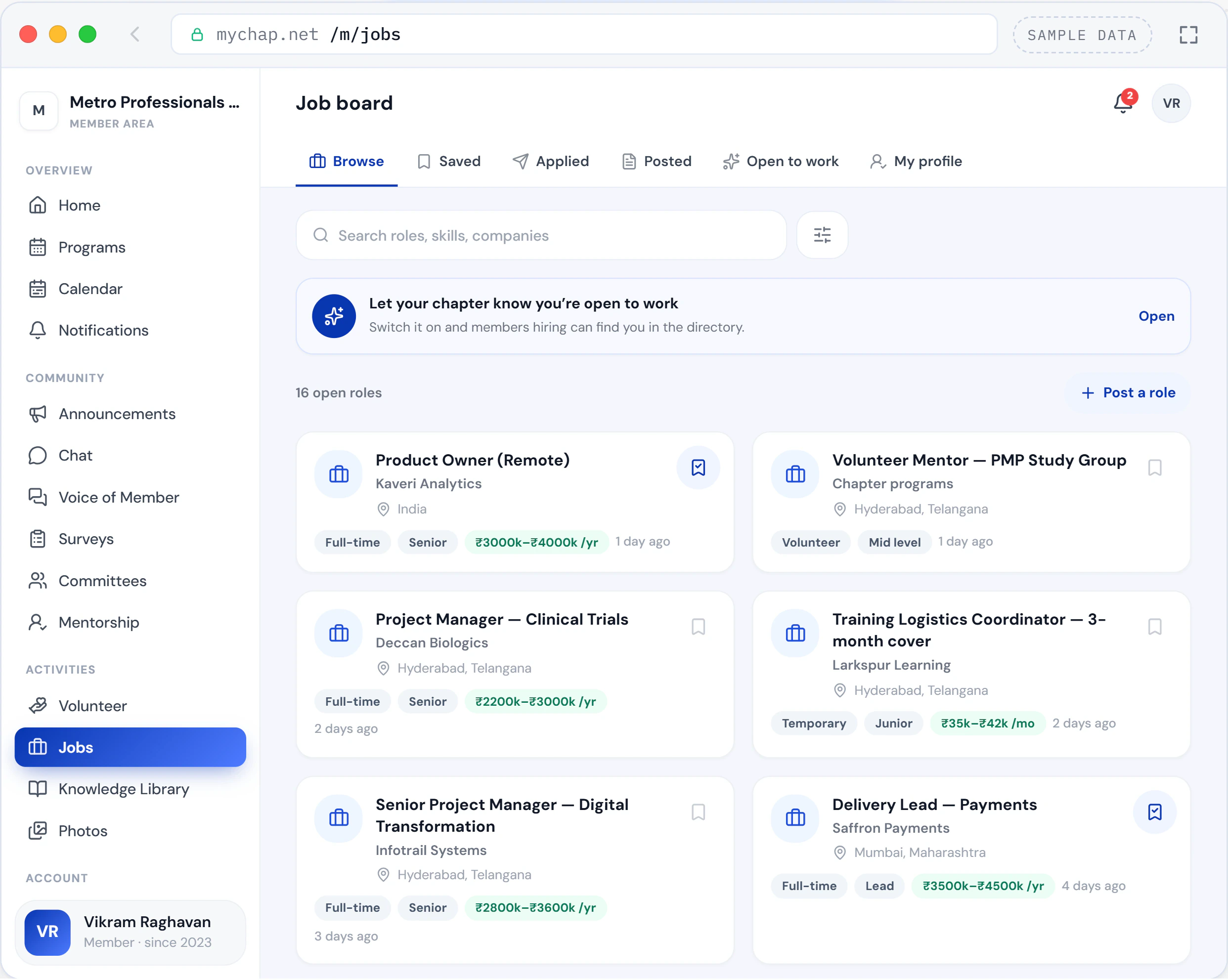
Add-on on paid plans
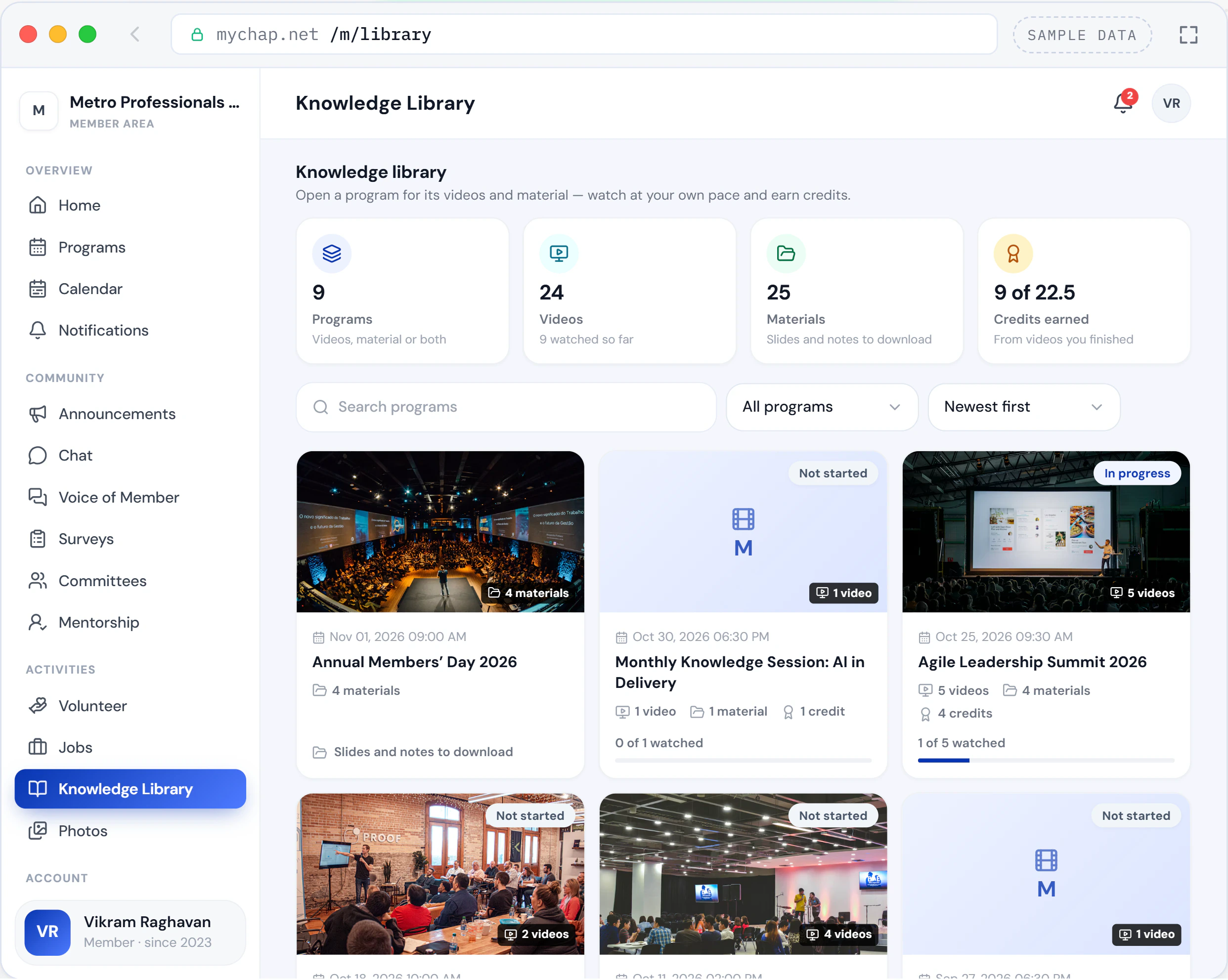
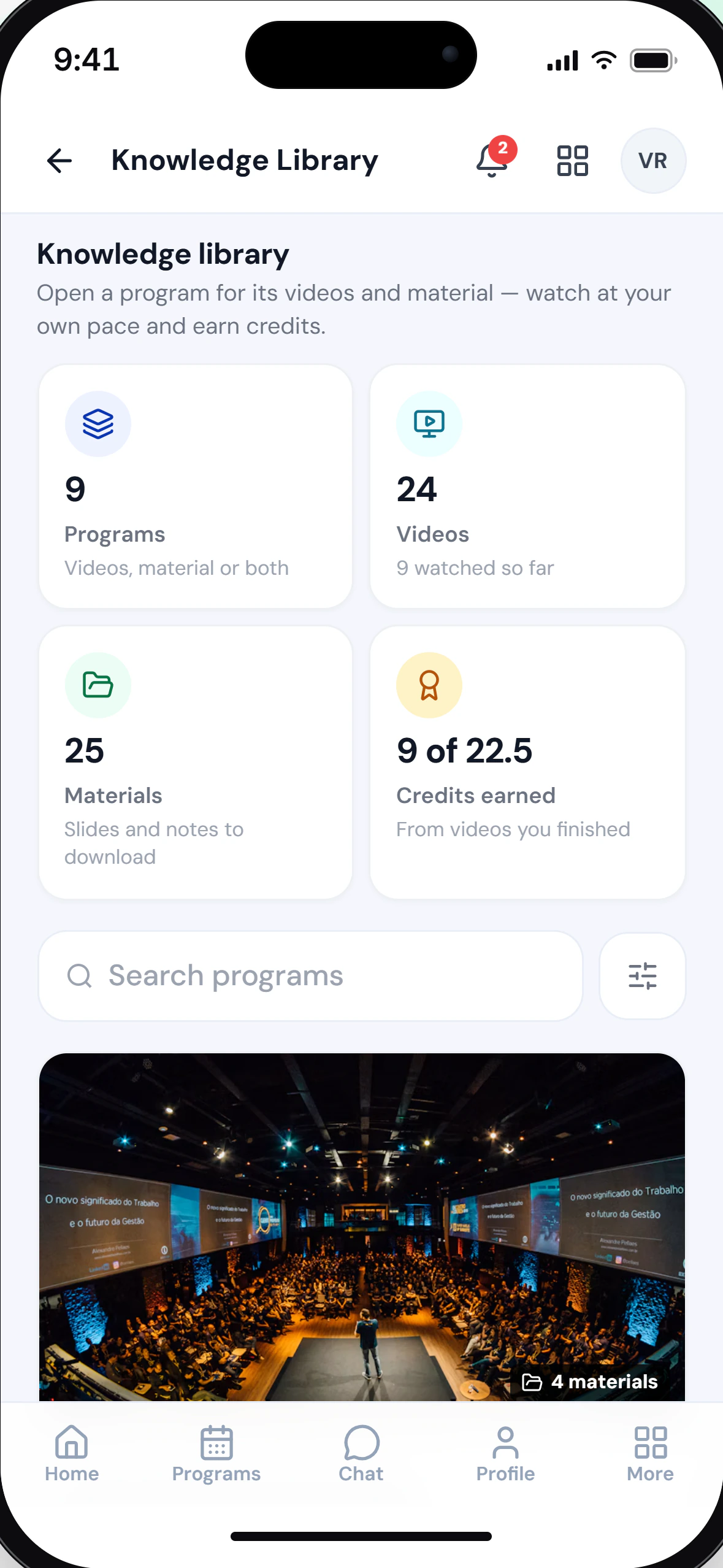
Knowledge Library
Every program’s recordings and materials, with credits for watching.
Open the demo: Knowledge Library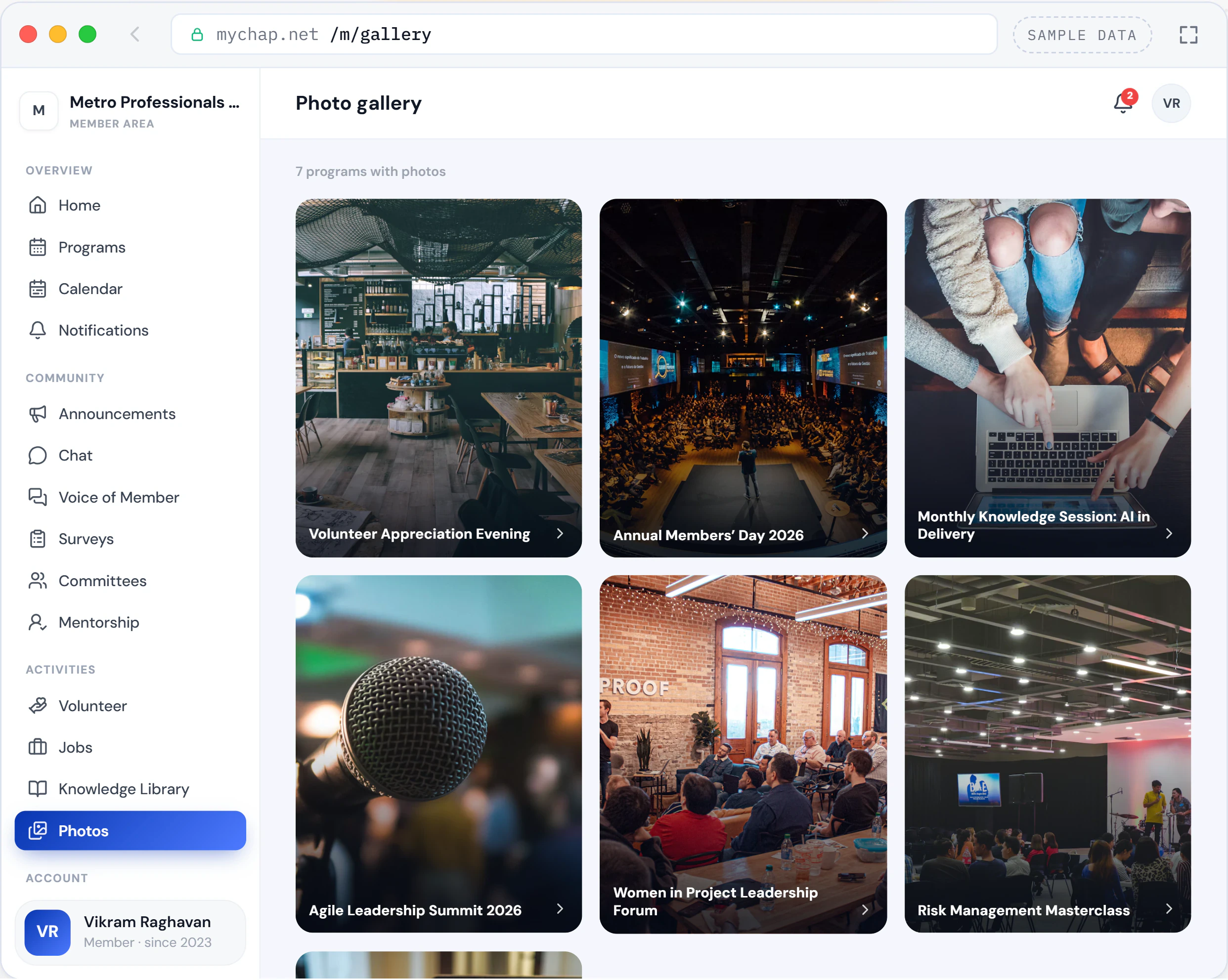
In every plan
Gallery
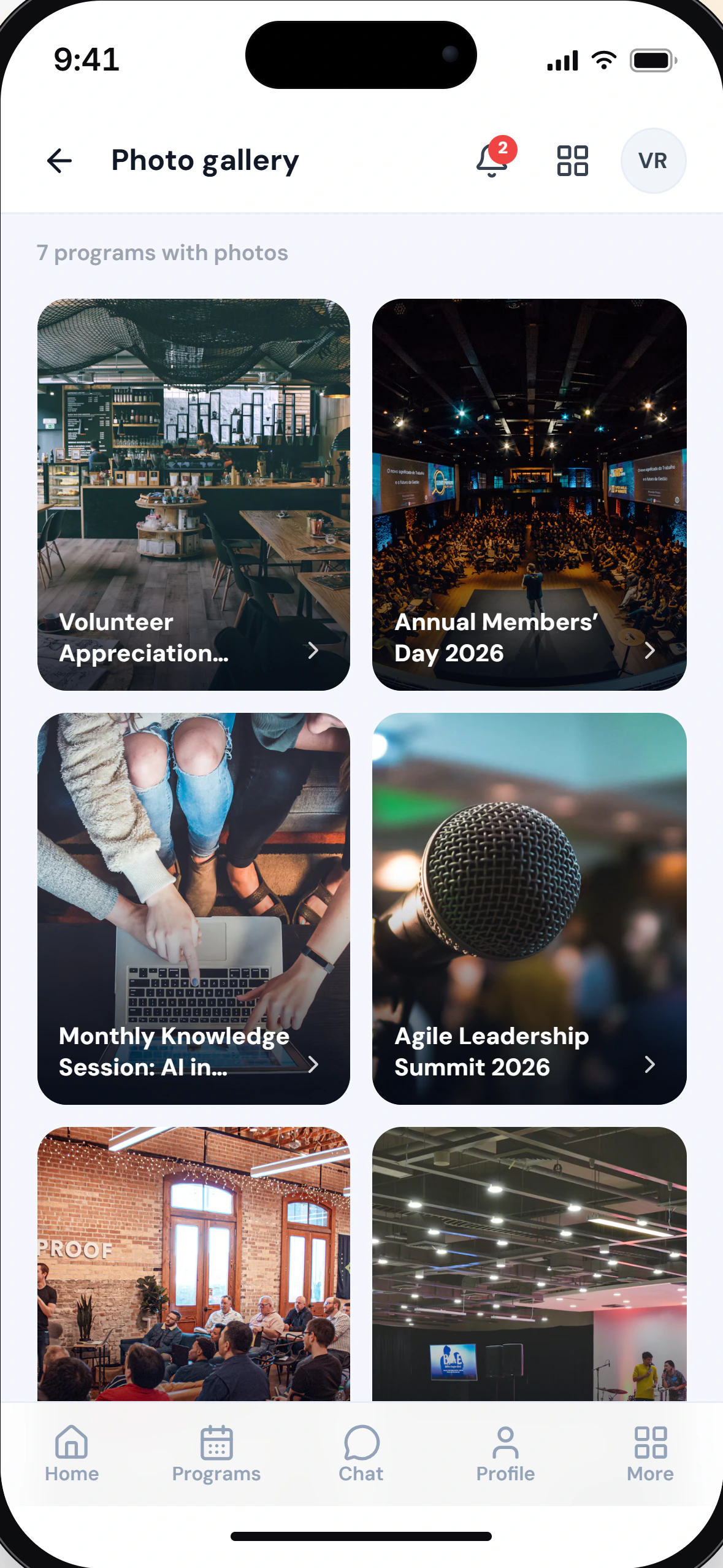
Every program’s photos, files and albums, with who-sees-what built in.
Open the demo: Gallery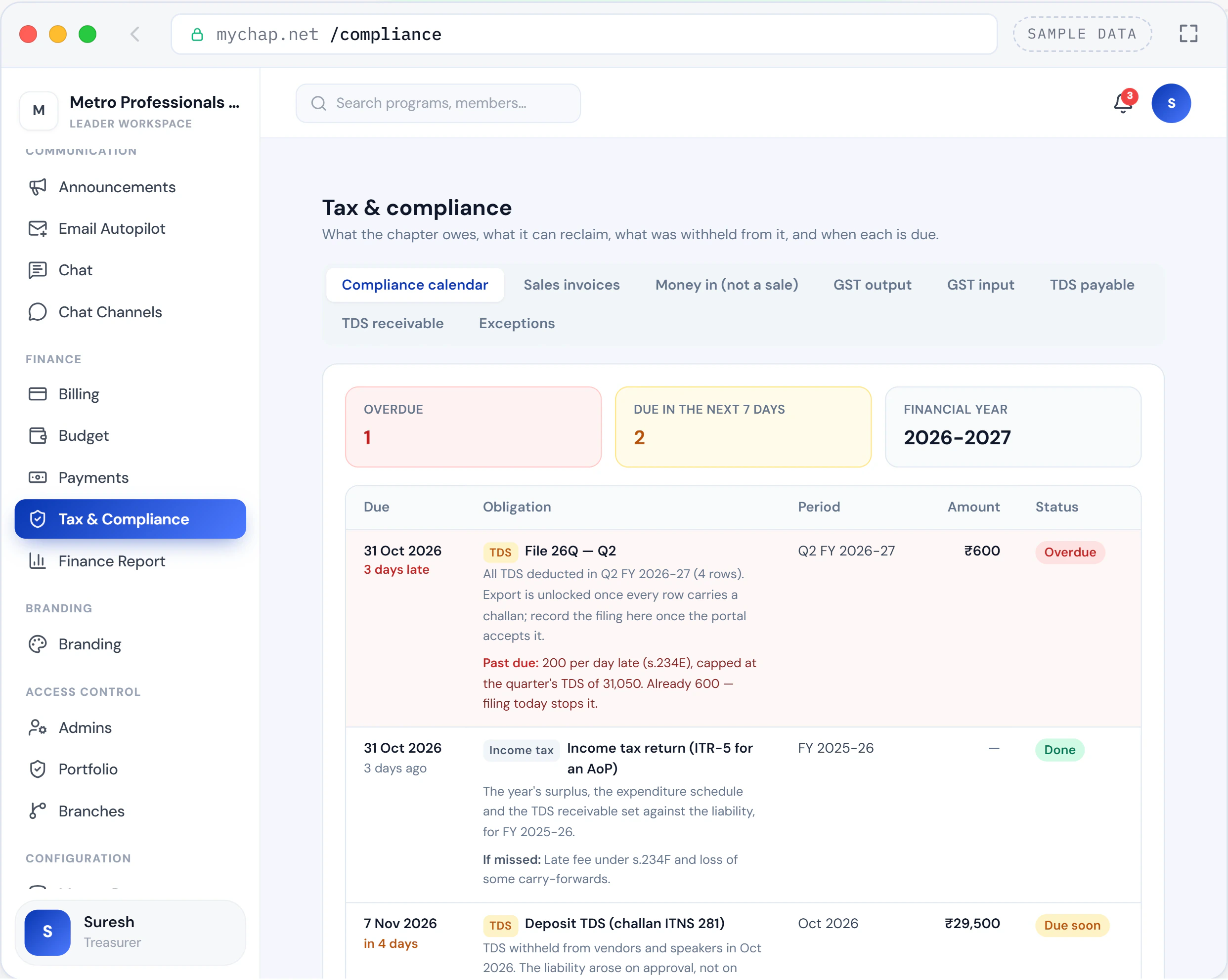
In every plan
Tax & Compliance
GST and TDS registers, challans and the compliance calendar: derived from the documents, never typed in.
Open the demo: Tax & Compliance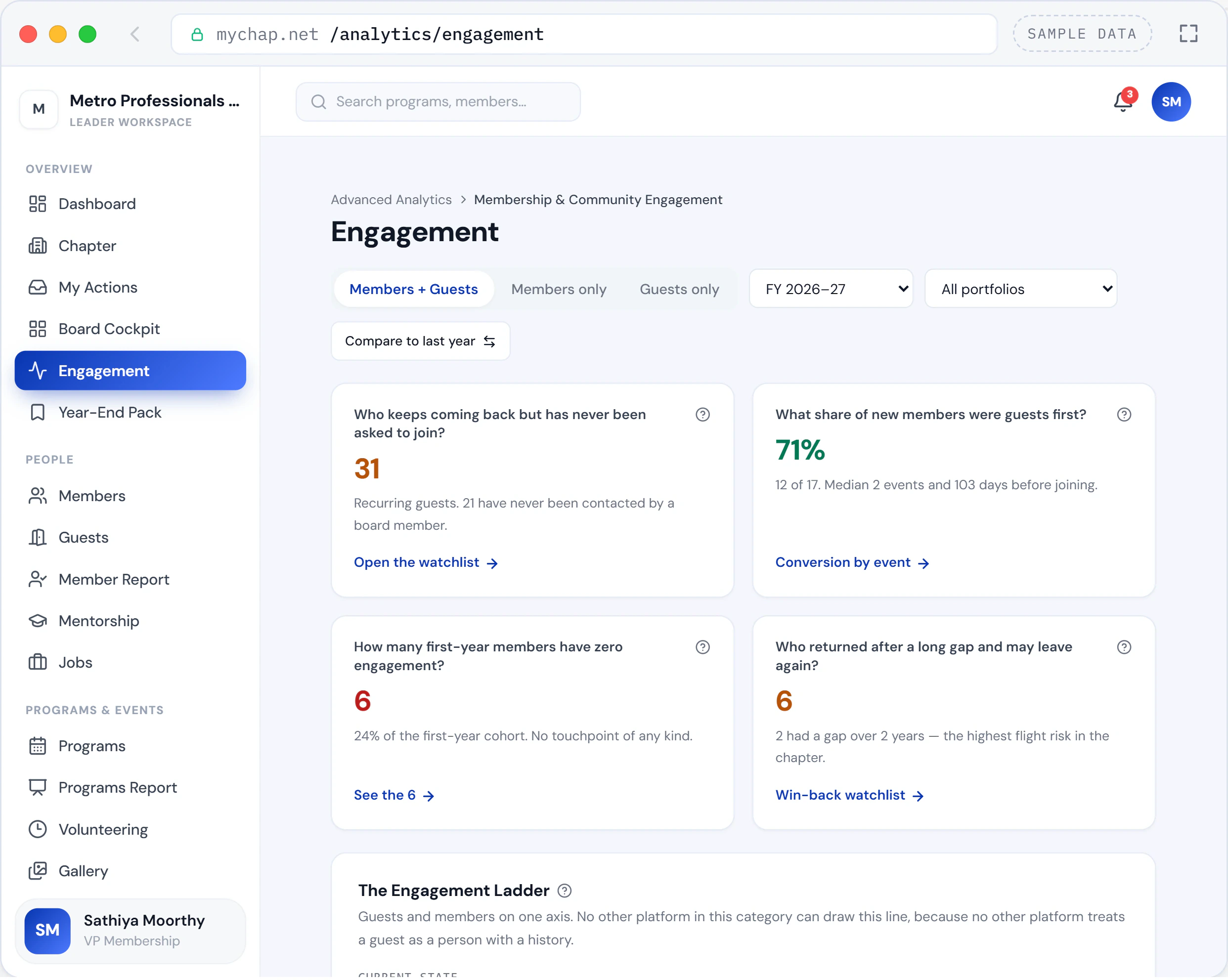
In every plan
Engagement Ladder
Guests and members on one line: who keeps coming back, who went quiet, who to call next.
Open the demo: Engagement Ladder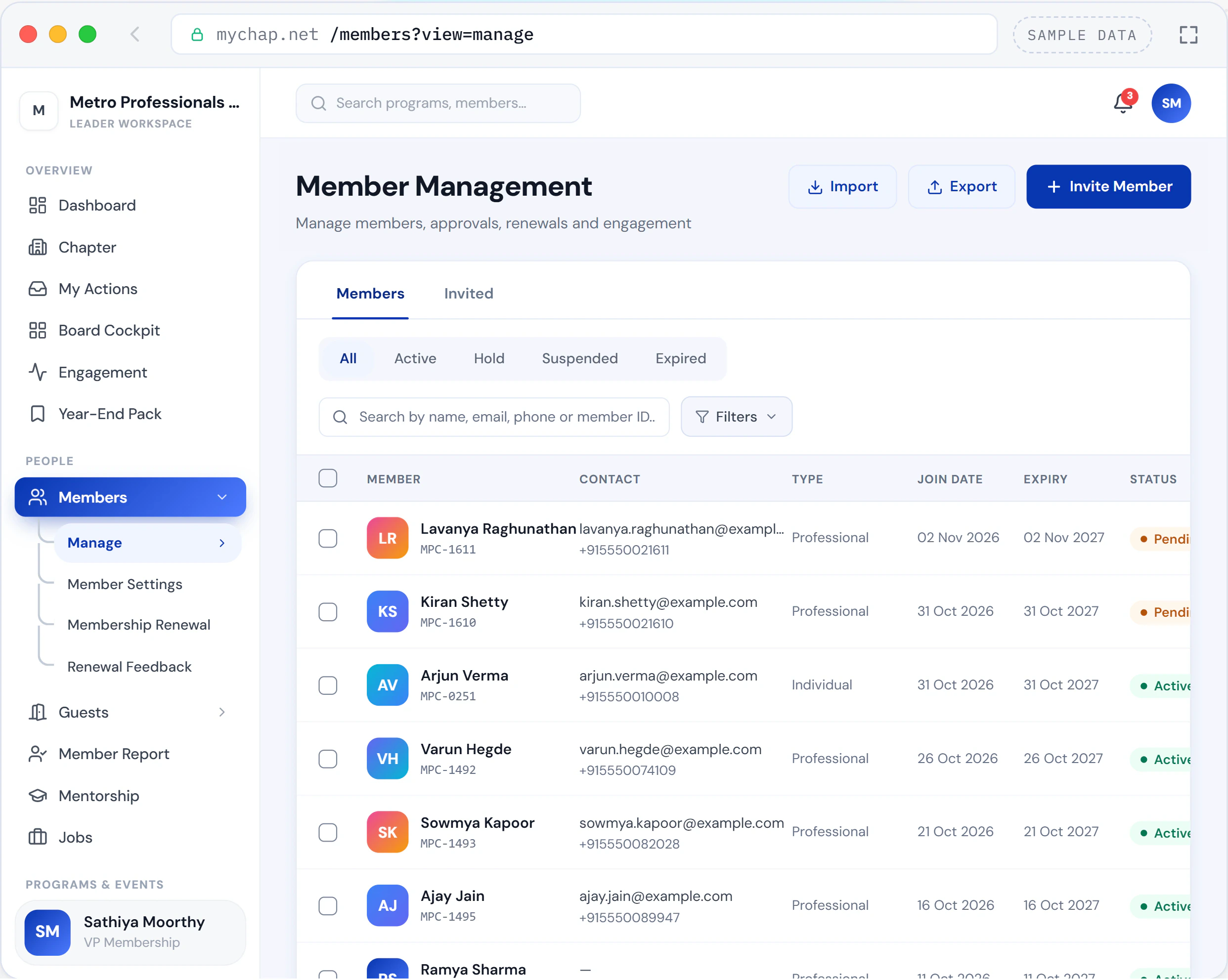
In every plan
Member Management
Every member, guest and invitation on one roster, from the first invite to the fifth renewal.
Open the demo: Member Management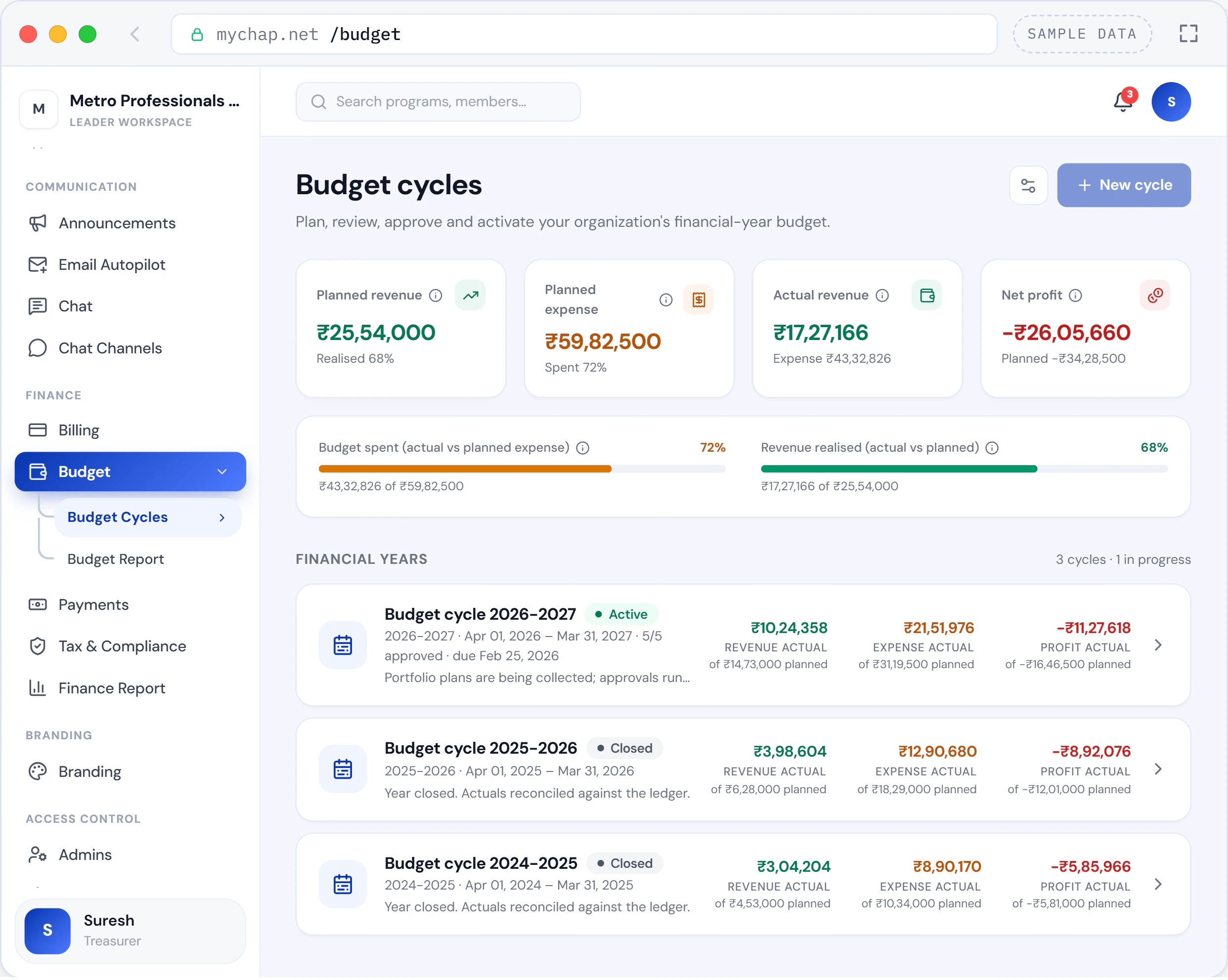
In every plan
Budget
Every portfolio’s plan, approved once and measured all year against what the ledger actually recorded.
Open the demo: Budget
How they connect
One program. Eight demos. The same record.
In myChap a program is the spine: its roster, its photos and its recordings are filed under it, its money reaches the tax registers, and the people in the room are the same members who use the job board. Follow the Agile Leadership Summit through the eight demos.
01Programs
The summit runs
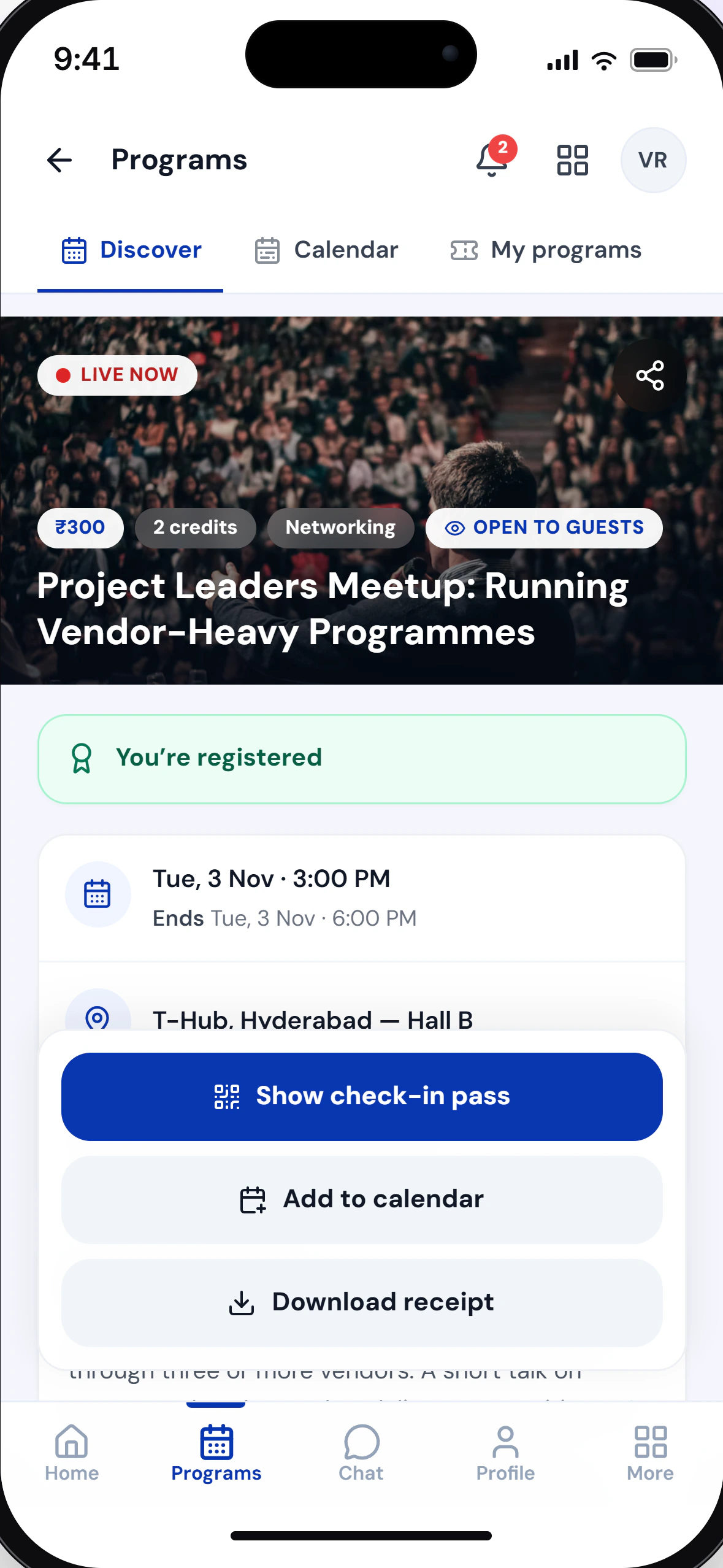
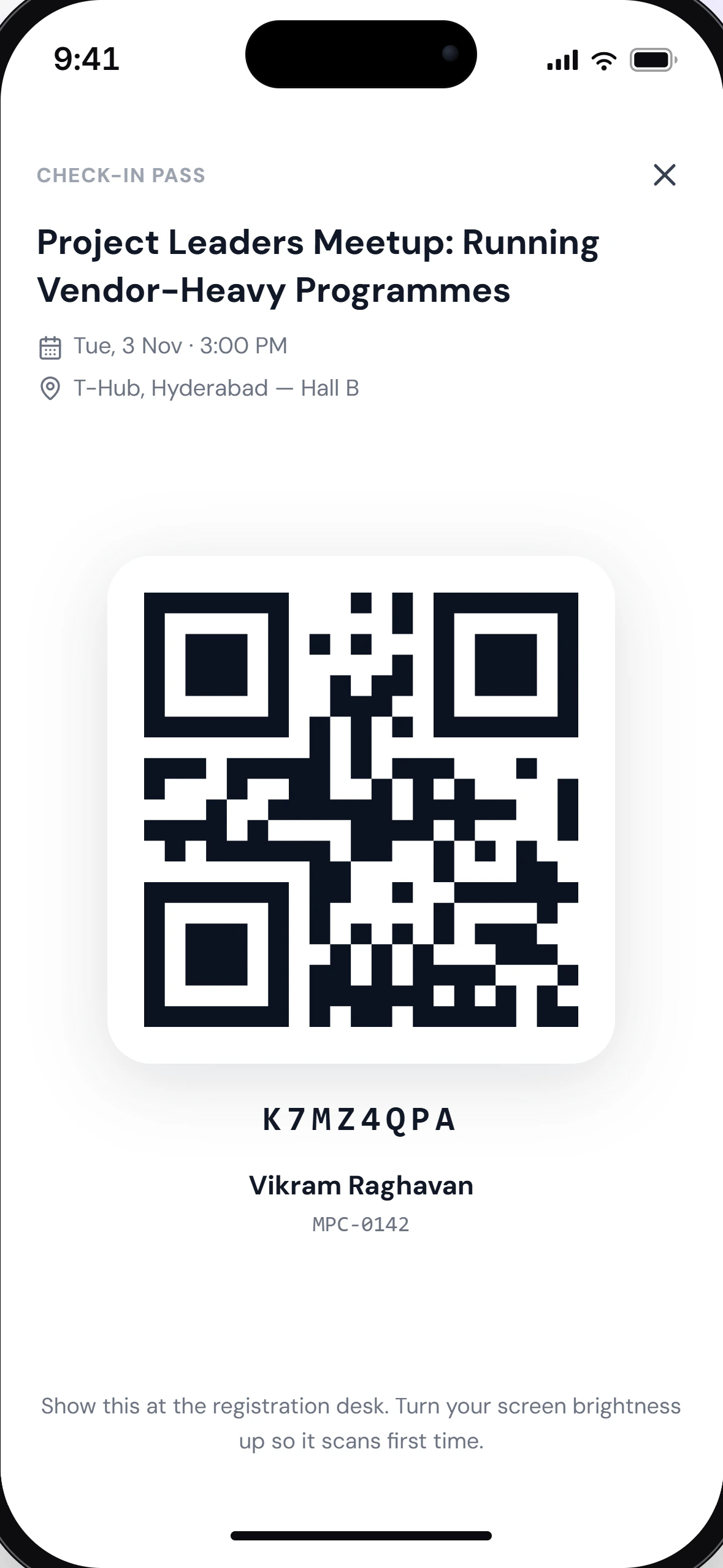
Members and guests check in with their QR passes, and when the program ends, attendance becomes credits on each member’s record.
02Gallery
Photos go up the same evening
The communications lead uploads into Keynotes, Networking & Expo and an admins-only Press kit. Guests see only what the board opened.
03Knowledge Library
Recordings earn credits
The sessions are filed under the program, and a member who watches one through earns its credit automatically.
04Job Portal
A member posts a role to the room
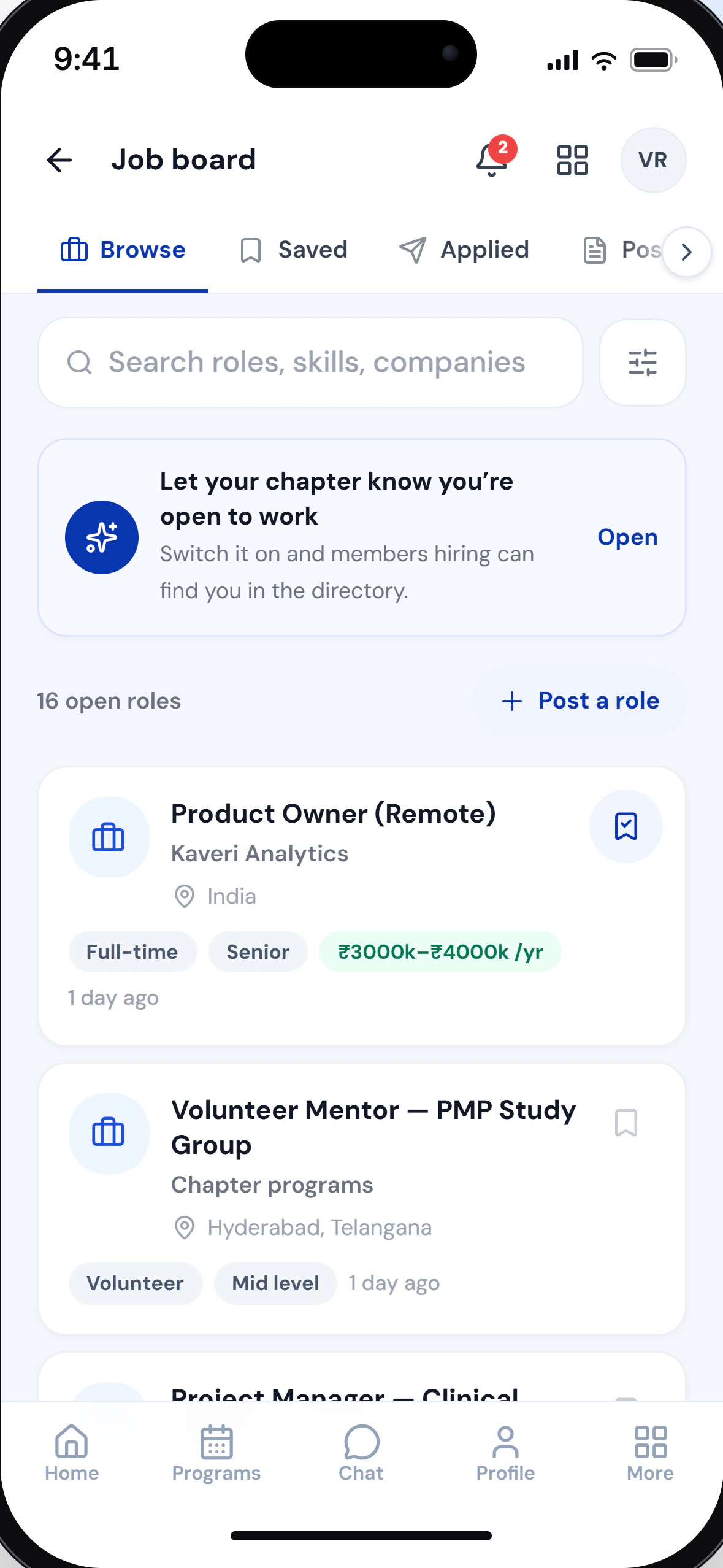
A member from the audience posts a Senior PM role. Another attendee applies and follows it to Shortlisted.
05Tax & Compliance
The money is taxed
Paid registrations and sponsorships land in GST output, the venue and catering vouchers carry TDS, and the treasurer files the quarter’s 26Q.
06Engagement Ladder
The guests are called
The ladder lists the recurring guests nobody has asked to join, and the VP Membership invites them to the next program.
07Member Management
A guest becomes a member
The VP Membership promotes a guest who asked to join: the same record, now with a Member ID and a first term.
08Budget
The year is measured
The summit’s vendor bills overspend the VP Programs’ approved plan, so the Budget Report flags it and the treasurer decides on a revision.
The whole platform
Every area, every feature.
Programs & attendance
From the sign-up to the credit, on one record.
Members & growth
Every person on one record, from a first guest visit to a renewal.
Money & compliance
One ledger, from the first registration to the quarter’s filing.
Communication
What the board sends, and what members send back.
Learning, careers & recognition
What a member takes away, and what the chapter gives back.
Governance & the board
The record the next board inherits.
Setup, branding & security
Your board sets it up on its own.
Every area comes with every plan, Free included, except the Knowledge Library: an add-on on paid plans, because it streams video.
Member portal, member app & guest access
Your chapter, one tap away.
Every chapter gets a public page, and the board decides exactly how much of it guests can see. Members sign in to everything else.
What members do on myChap
What you see depends on what your chapter has switched on.
For guests
No account needed to come as a guest.
For programs a chapter opens to guests, this is all it takes.
01
Open the program
Follow the program link the chapter sent or posted.
02
Confirm your email
Enter your email and the six-digit code we send you, then answer the organiser’s questions.
03
Pay, if there is a fee
If the program is paid, pay online by card, UPI or netbanking. For an in-person program, your check-in code and QR arrive by email.
04
Join when you are ready
Sign in as a guest of the chapter and ask to join. When the board accepts, you keep the same record.
How signing in works
One way in for every member of every chapter.
01
Your email
Enter the email your chapter has for you, then the six-digit code we send to it.
02
Your chapter
Choose the chapter. If you belong to more than one, they are all listed here.
03
Your chapter password
Enter your password for that chapter. The first time, you set one after confirming another code.
Your details, your call.
Settings every member has, in their own profile.
Questions
About the demos first, then the ones members and guests ask.
Is this the real product?
Each demo is an interactive replica of the real screens, running on a sample chapter with sample people. The rules follow the product’s own, recreated in your browser; payments, emails and notifications are only simulated, and nothing you do leaves your browser.
Do I need an account?
No. The demos open straight in your browser, with no sign-up and no email.
Can we try it on our own chapter?
Yes. The Free plan runs on your own chapter, with all six modules switched on at its limits. No card is needed.
What is not in the demos?
Eight parts of the product are interactive demos so far. Everything else is listed above, and a 20-minute demo shows it on a sample chapter.
Can I see the phone layout?
Yes. On a computer, each demo can switch between its desktop and phone layouts; on a phone you see the phone layout.
I can’t find my chapter.
There is no public directory of chapters. Ask your board for your chapter’s myChap address, or sign in: every chapter you belong to is listed, and chapters that welcome guests appear under Explore chapters.
My sign-in code hasn’t arrived.
Codes go to the email your chapter has for you, so check your spam folder first. Your email is your sign-in and can’t be changed in myChap, so if yours is out of date, talk to your chapter’s board.
Why does my chapter have its own password?
The emailed code shows the email is yours. The chapter password protects your membership of that chapter, and each chapter you belong to has its own.
How do I get a refund?
Cancel your registration from the program’s page while cancellation is still open. Any refund follows your chapter’s refund policy, and you are notified when it starts and when it is paid.
How does an employer check my certificate?
Every certificate has a certificate number, and a QR code where the design includes one. Anyone can check it on myChap’s Verify a certificate page, without an account.
Can I use myChap on my phone?
Yes. The member portal works in any phone browser. To keep it on your home screen, use Add to Home Screen; on an iPhone it is in Safari’s Share menu.
Your next member is already coming to your events.
They just haven’t joined yet. Start free, and find out how many of them there are.
- Free plan with all six modules
- No credit card
- No setup fee